v1.0 — Now Available on Android & iOS

Manage Supabase storage
like a pro.

The ultimate mobile manager for your Supabase projects. Multi-project support, beautiful bucket explorer, and seamless background file transfers — all in your pocket.


Native Android & iOS

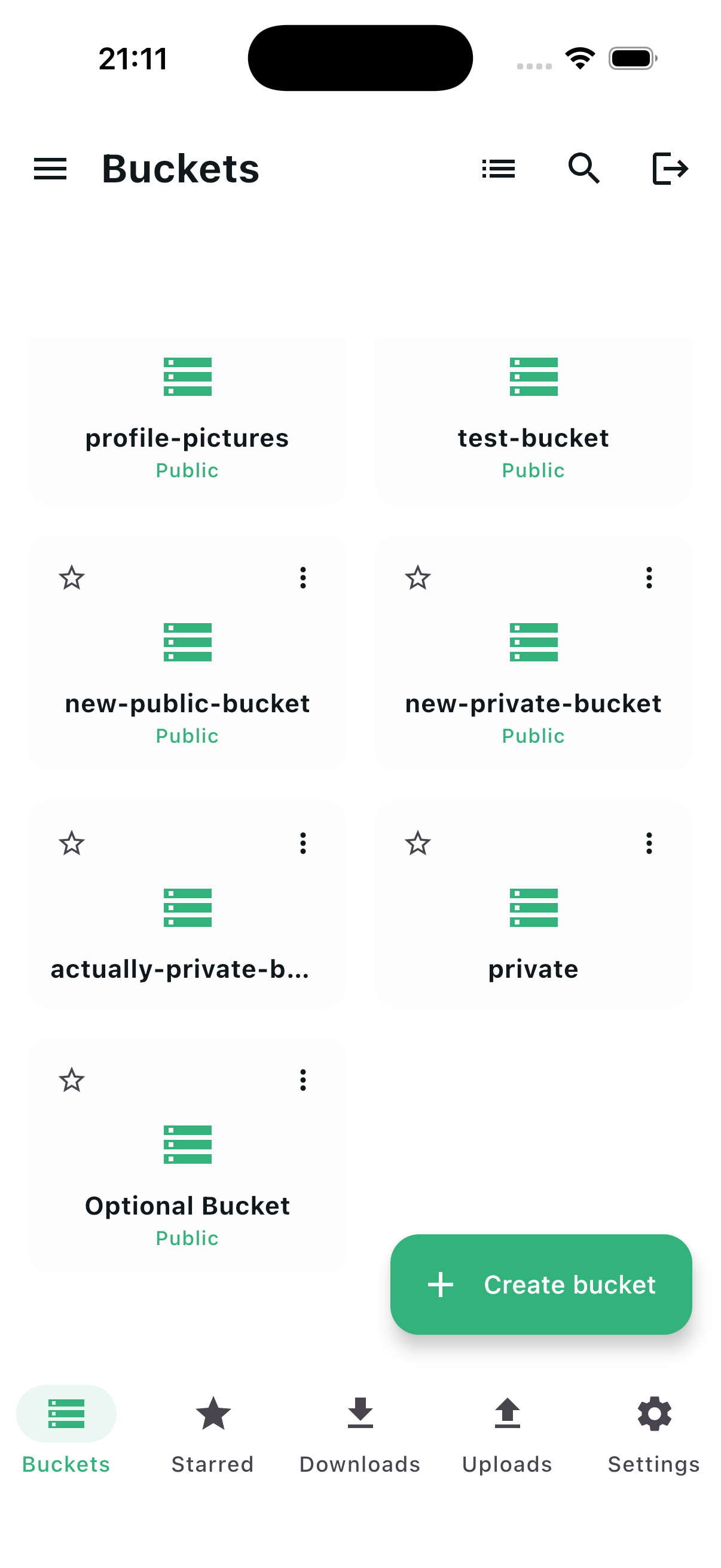
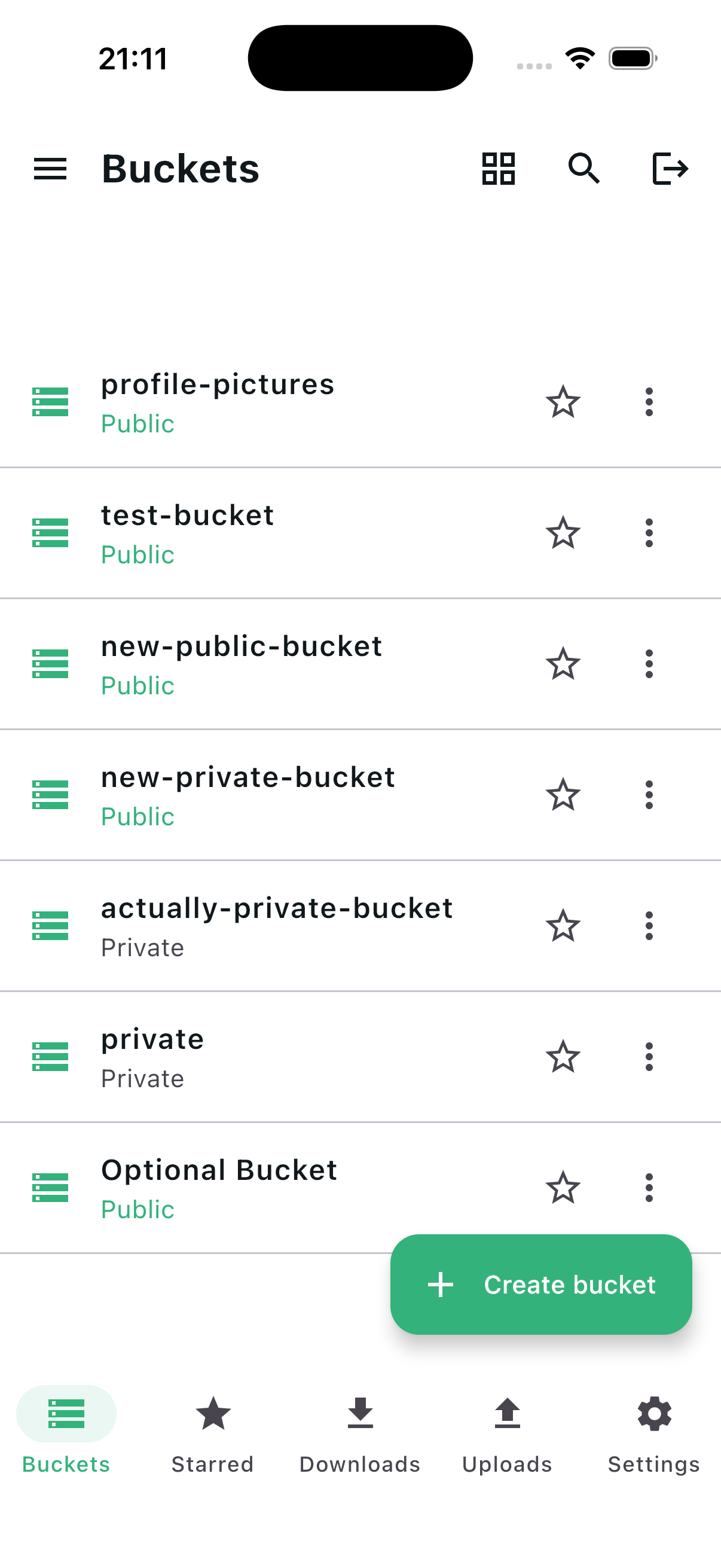
SupaBuckt bucket list view on iOS
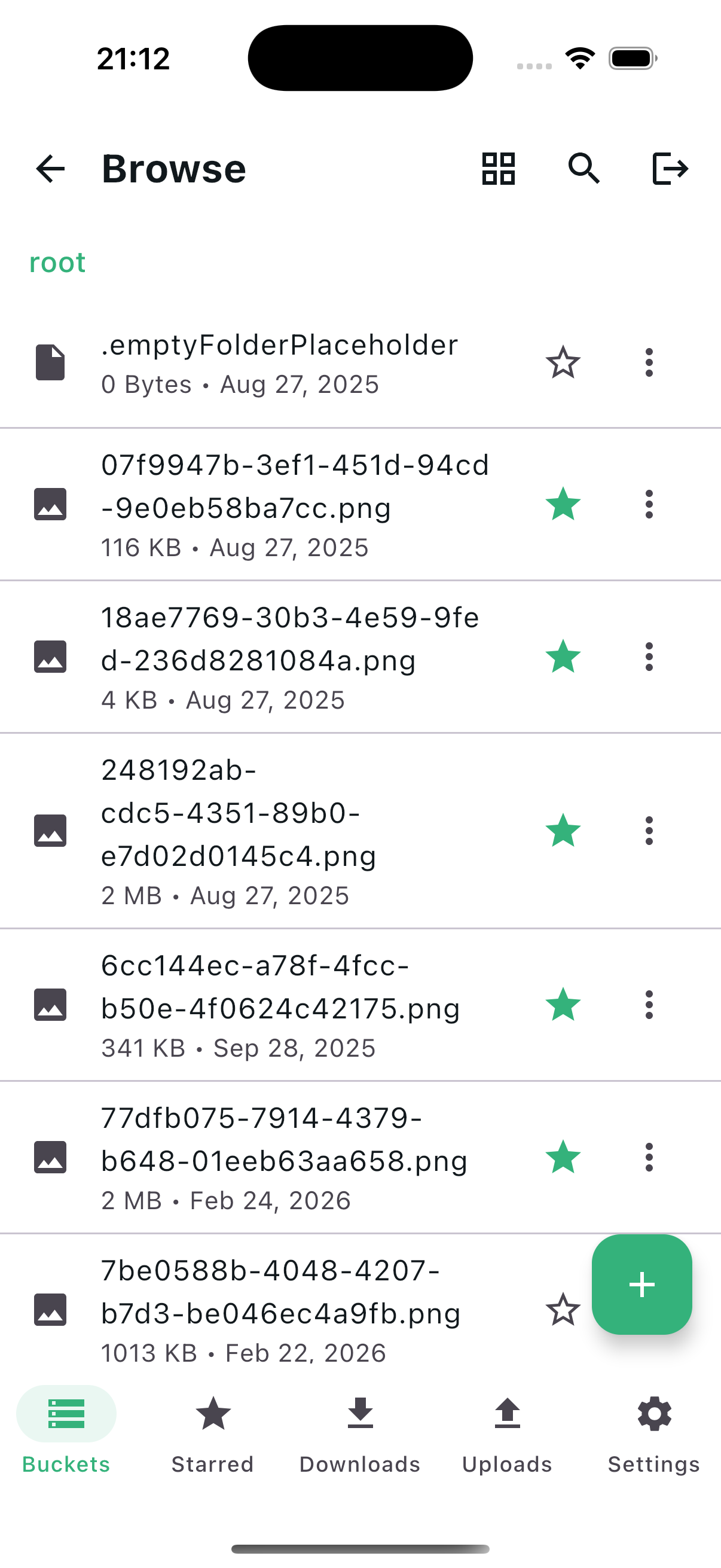
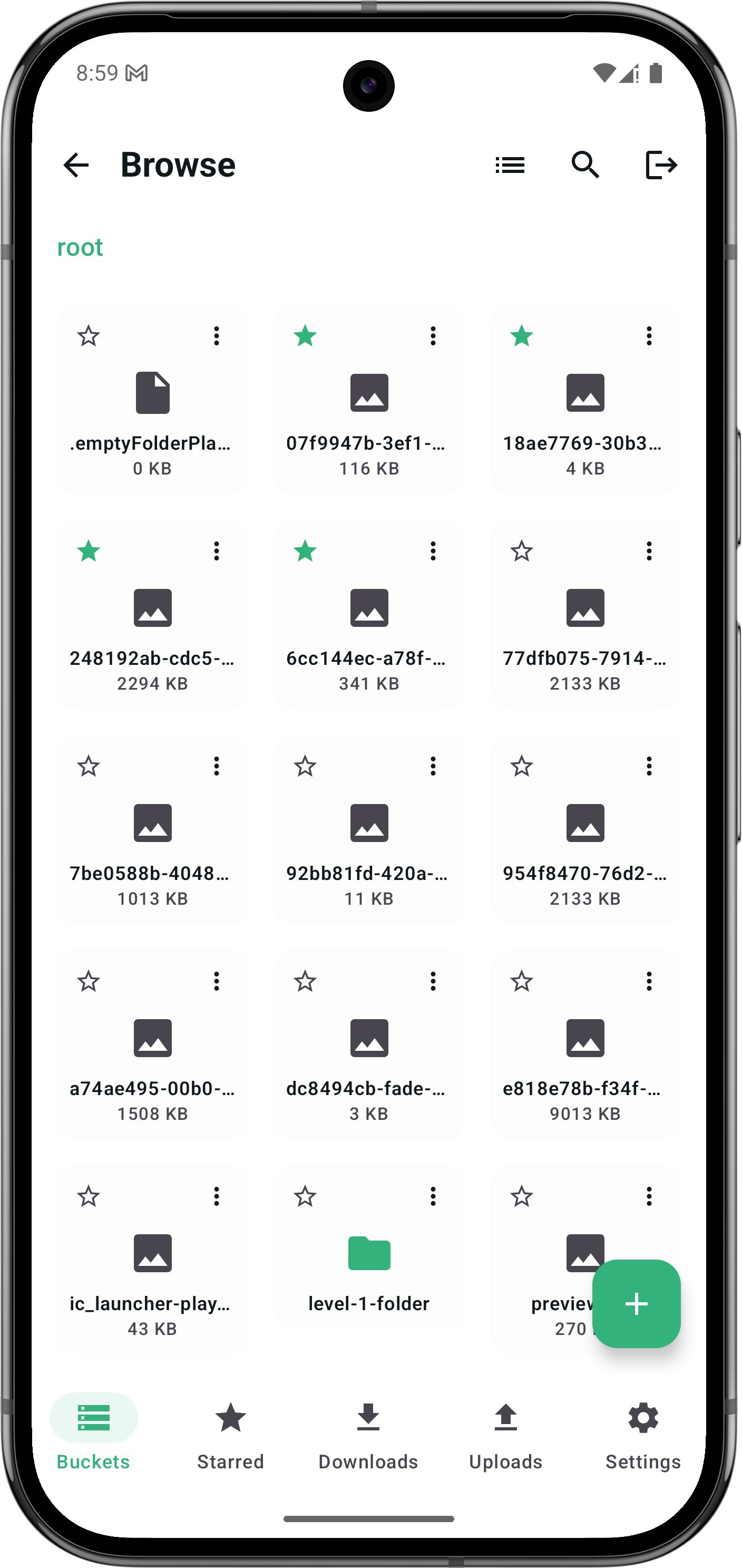
SupaBuckt browse view on Android
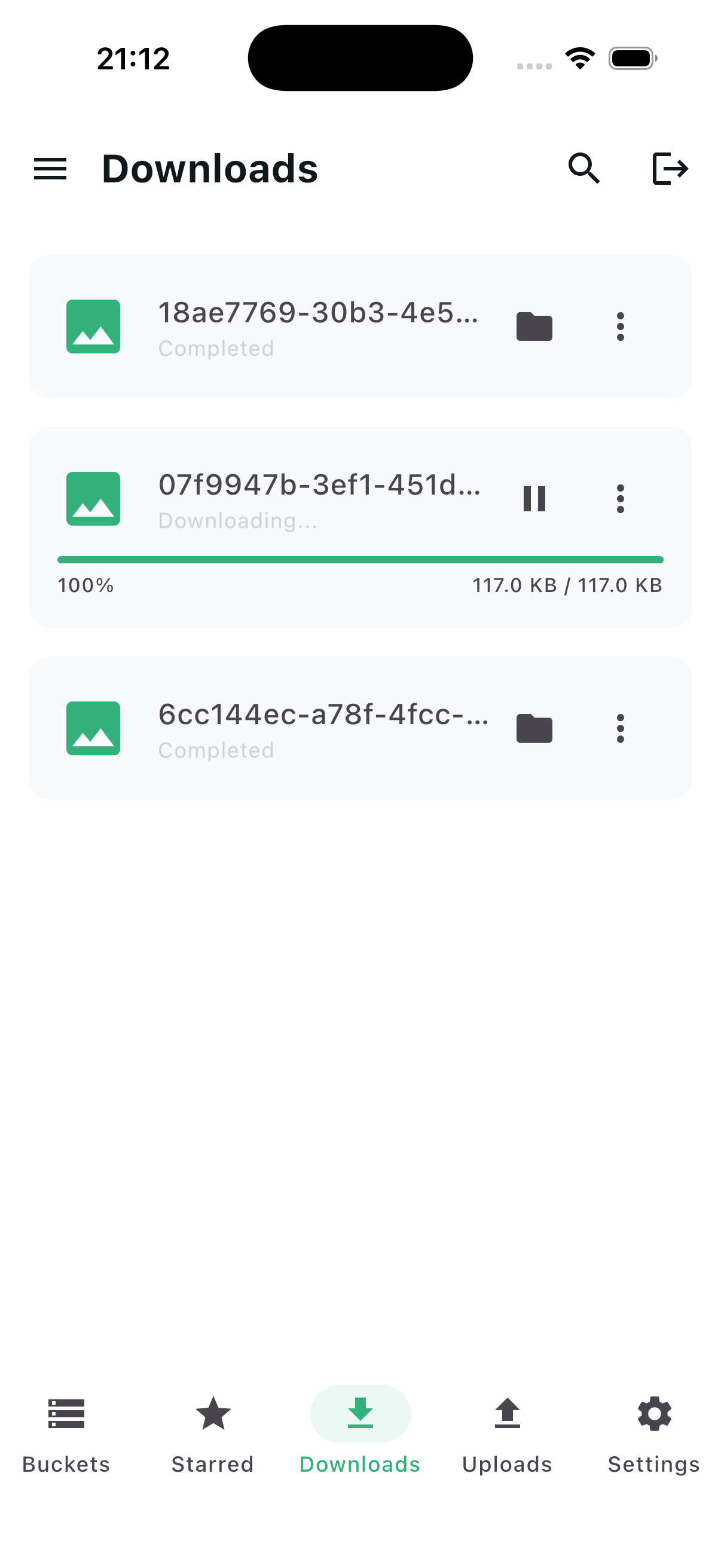
SupaBuckt transfers view on iOS
Projects
Multi-project support
100% Local
Encrypted on-device storage
2 Platforms
Android & iOS native
0 Servers
Your data never leaves your device
Everything you need

Built for developers
who live on mobile.

Every feature is designed to make Supabase storage management feel native, fast, and effortless.

List & Grid Explorer

Toggle between compact list and visual grid layouts. Instantly browse and search buckets without loading friction.

Background Transfers

Upload and download files in the background. Parallel transfers, resume support, and push notifications when done.

Local-Only Privacy

Zero telemetry. All credentials stored in encrypted local storage. Your data never touches a third-party server.

Instant Search & Filter

Find any file or bucket in milliseconds with real-time search. Filter by type, size, or date.

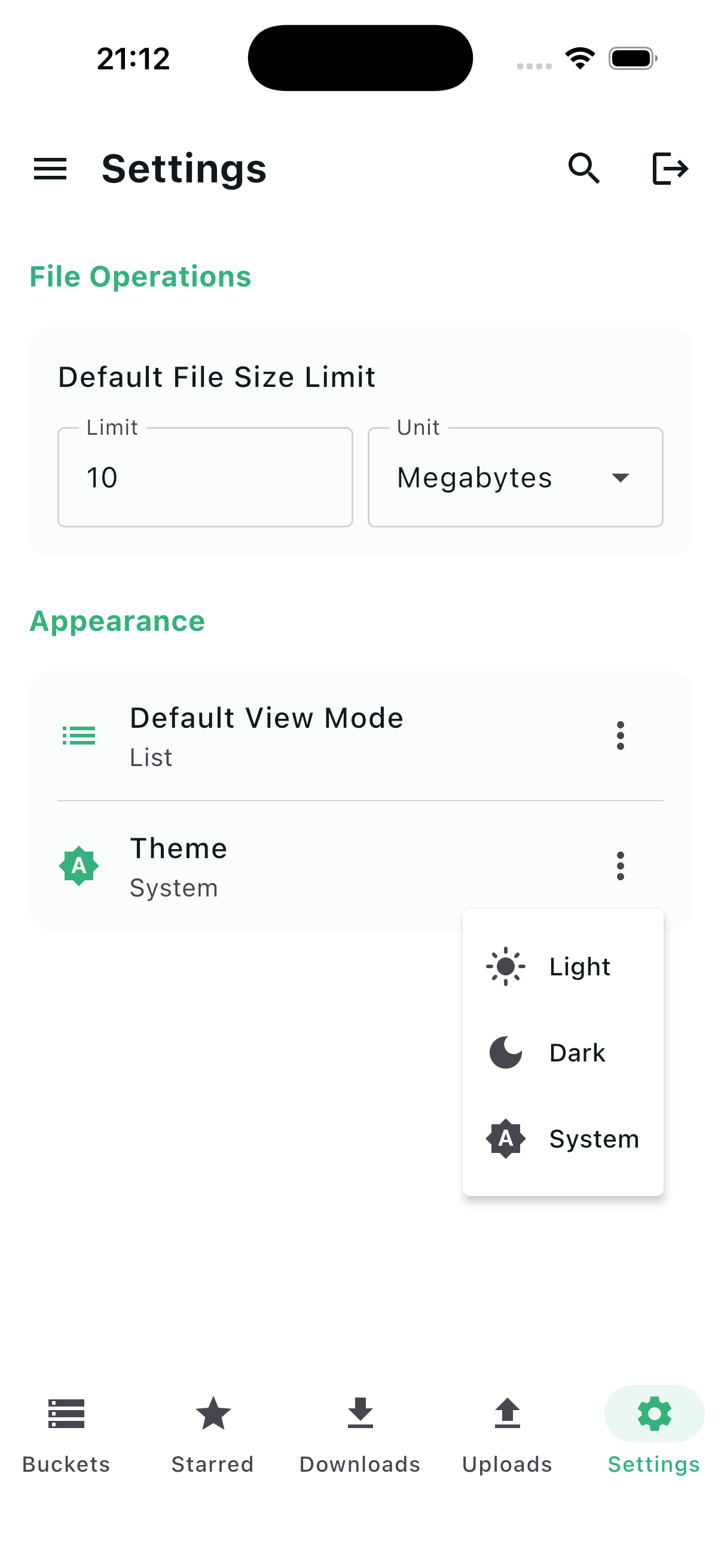
Beautiful Dark Mode

Crafted dark and light themes that adapt to your system preference for comfortable use any time of day.

Control Center

All your projects,
one pocket hub.

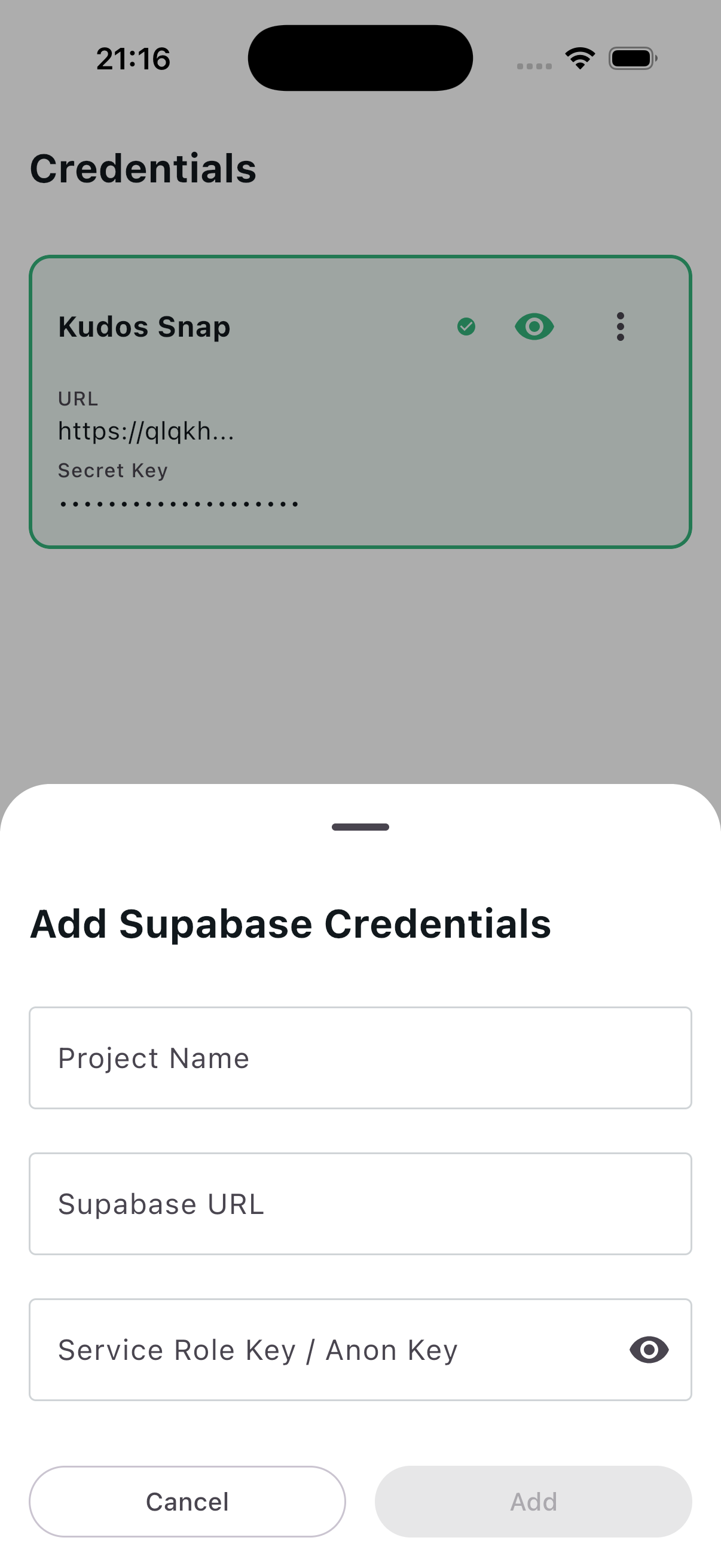
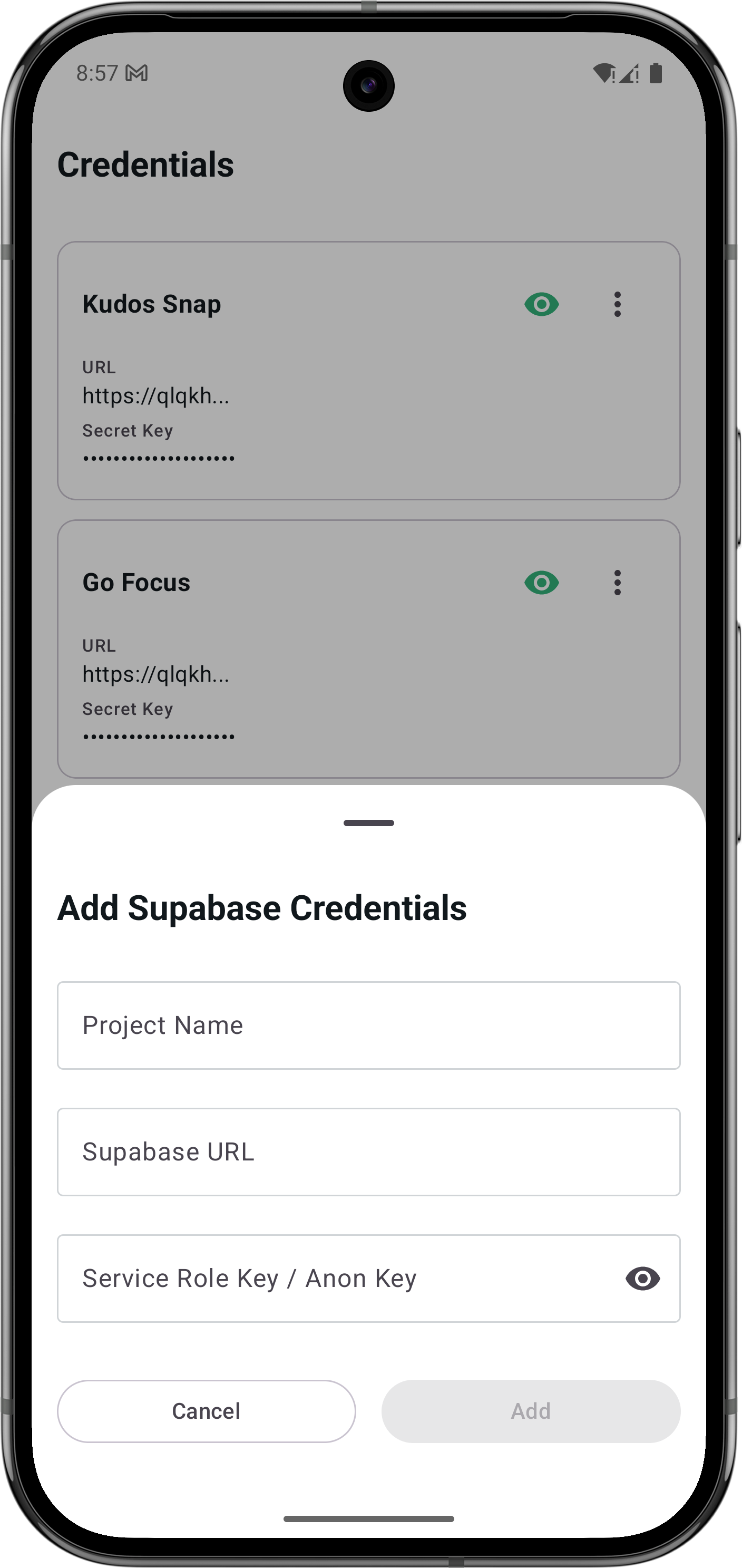
Switch between unlimited Supabase projects in seconds. Each project's URL and Service Role Key is stored in encrypted local storage — never uploaded anywhere.

  • Encrypted Credential Vault
  • One-tap Project Switching
  • Support for Unlimited Projects
Multi-project credentials management screen on Android
Explorer

Visual bucket
management.

See all your storage buckets in list or grid view. Create, empty, or delete buckets with a UI built for speed and clarity — right from your phone.

  • List and Grid Toggle
  • Bulk Operations
  • Instant Search & Filter
Bucket list view on iOS
Transfers

Transfers that
never stop.

Upload and download files without interrupting your workflow. Background transfers keep running even when you switch apps — with real-time progress and push notifications.

  • Parallel Uploads & Downloads
  • Resume on Poor Connections
  • Push Notifications on Completion
File transfer progress screen on iOS
Download

Up and running
in 60 seconds.

Three simple steps and you're managing your Supabase storage from anywhere.

1

Add Credentials

Enter your Supabase project URL and Service Role Key. Everything is encrypted and stored locally — never leaves your device.

2

Browse Buckets

Instantly explore all your storage buckets. Toggle between list and grid views, and search with lightning speed.

3

Manage Seamlessly

Upload, download, delete, and organize your files with a premium, touch-first UI designed for efficiency on the go.

Built with Supabase
Support

Get in touch.

Have questions, found a bug, or need a feature? We're here to help you get the most out of SupaBuckt.

Direct Email

Alternatively, send us an email at hieuvu1199@gmail.com for priority support or business inquiries.

Email Us